Your resume, tailored
to every job you want.
Build it once in CrafterCV, then ask Claude, ChatGPT or Grok to rewrite it for the exact vacancy. The AI does the writing, CrafterCV keeps it in order and renders the PDF.
Get Started FreeEarly access. Free plan, no card required.
Connect it to your AI in under a minute
One URL, no install, no code. After that you edit your resume and tailor it to a vacancy straight from the chat, and every change is waiting in your editor.
Copy the connector URL
Paste it into Claude in the next step
Add it in Connectors
Settings → Connectors → Add custom connector. Name it CrafterCV, paste the URL.
Open ConnectorsSign in and start asking
Log in to CrafterCV, press Approve, then ask Claude to tailor your resume
Start nowFrom blank page to a sent application
Four short steps, whatever you do for a living.
 Add custom connector
Connect Claude to your data and tools.
1. Connect your AI
In Claude open Settings, then Connectors, then Add custom connector. Name it CrafterCV, paste the URL, press Add. Same idea in ChatGPT and Grok, about a minute in total.
2. Tell it about you
Say it in the chat or type it in the editor, it lands in the same knowledge base. The more it knows about your jobs, skills and projects, the sharper every resume and cover letter written from it.
I am a marketing manager, seven years in ecommerce.
Grew online sales by 40 percent, led a team of six across two markets.
Ran the paid channels on a 300k budget.
Make me a resume for this vacancy
jobs.voltra.io/head-of-marketing
3. Ask it to make a resume for a vacancy
Send the chat a link to the job ad. It reads the vacancy, builds a resume from your knowledge base and hands back a link to open it in CrafterCV.
4. Pick a template and export
Choose a template, a colour and a font, then download a pixel-perfect A4 PDF that reads cleanly in any recruiting system. This part your chat cannot do.
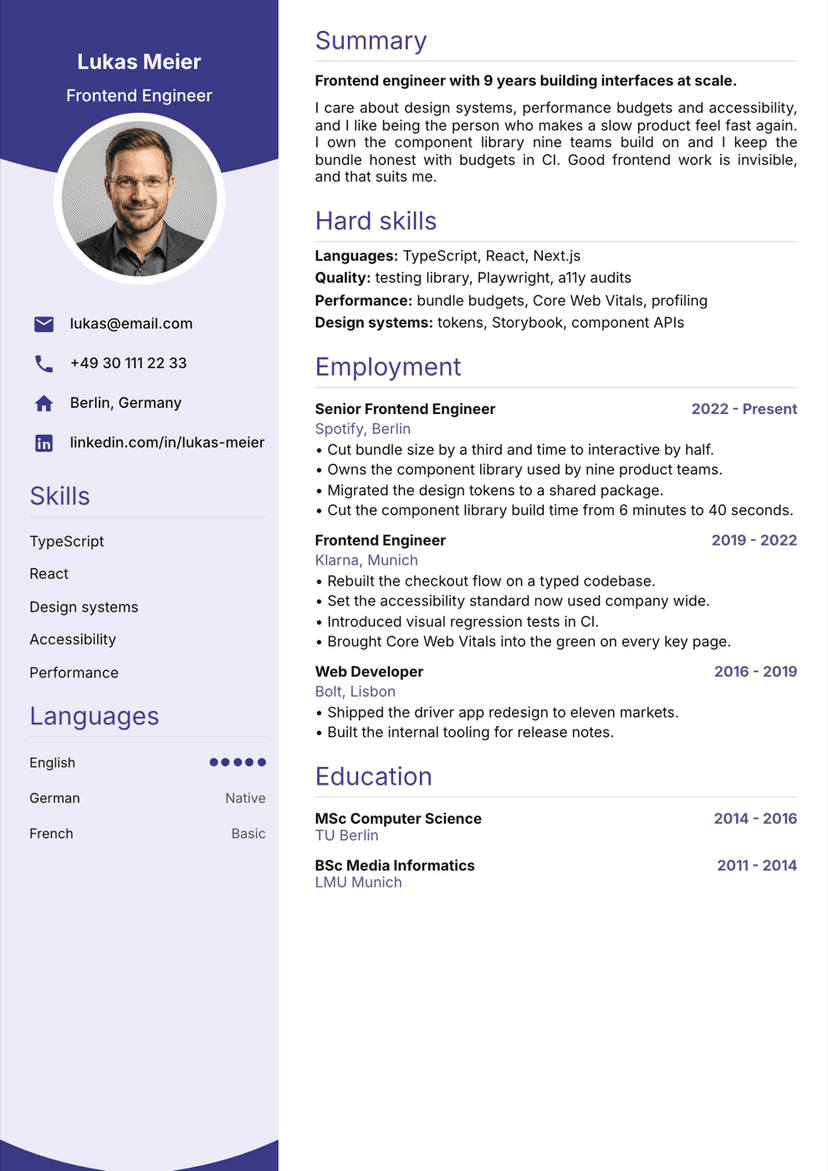
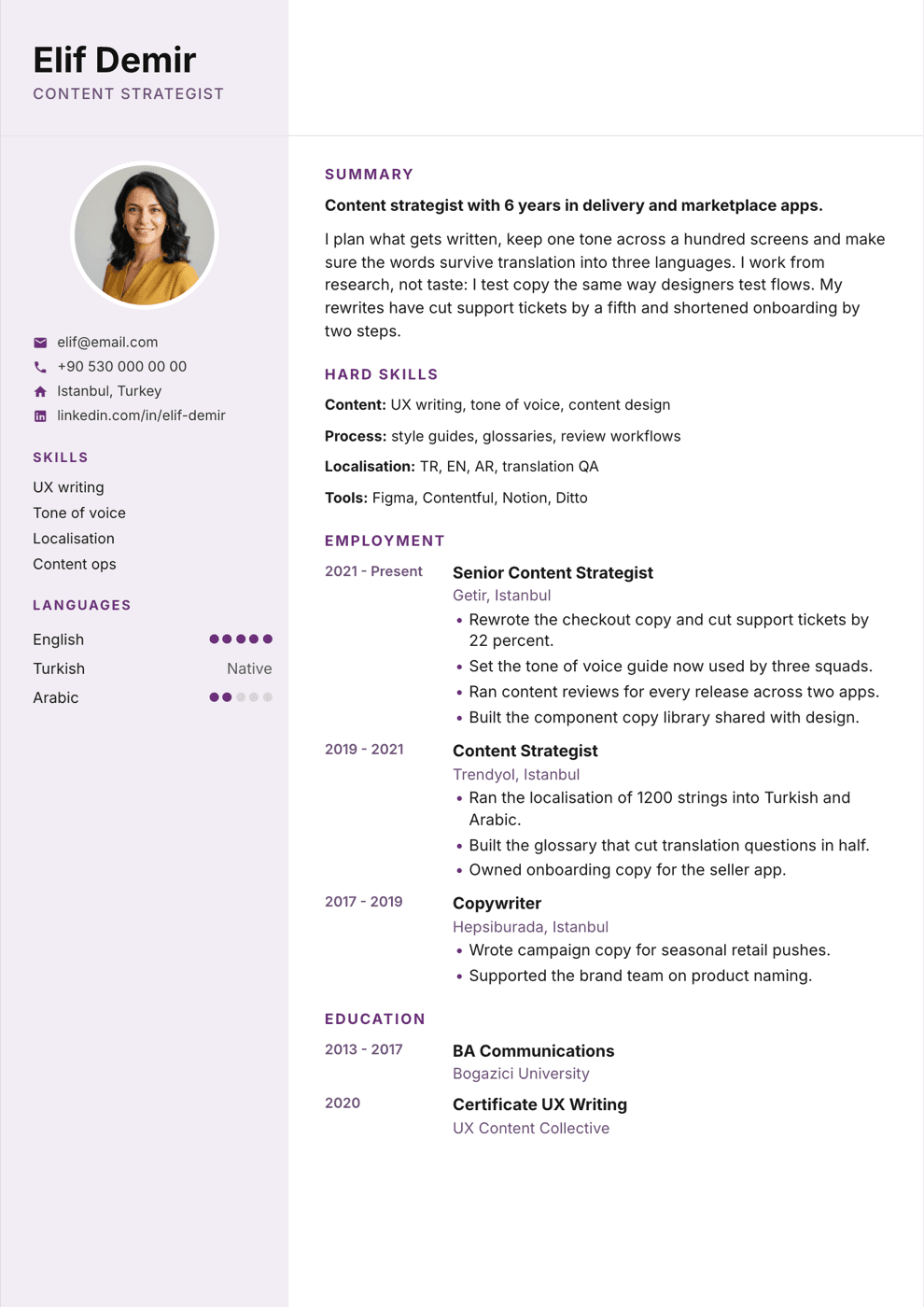
Same words. A different suit.
Every template is ATS friendly and renders to a pixel-perfect A4 PDF. Switch any time, your content stays untouched.
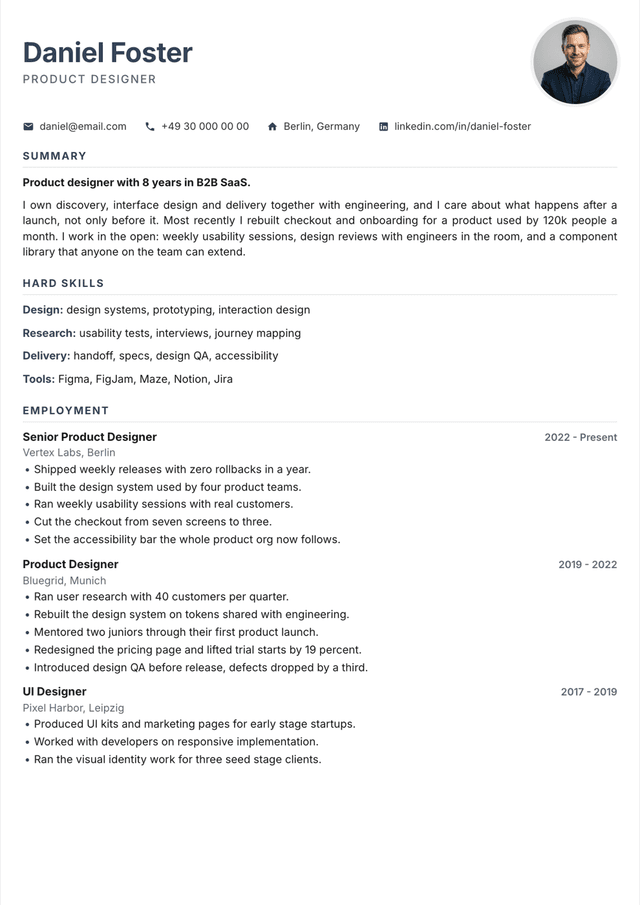 Classic
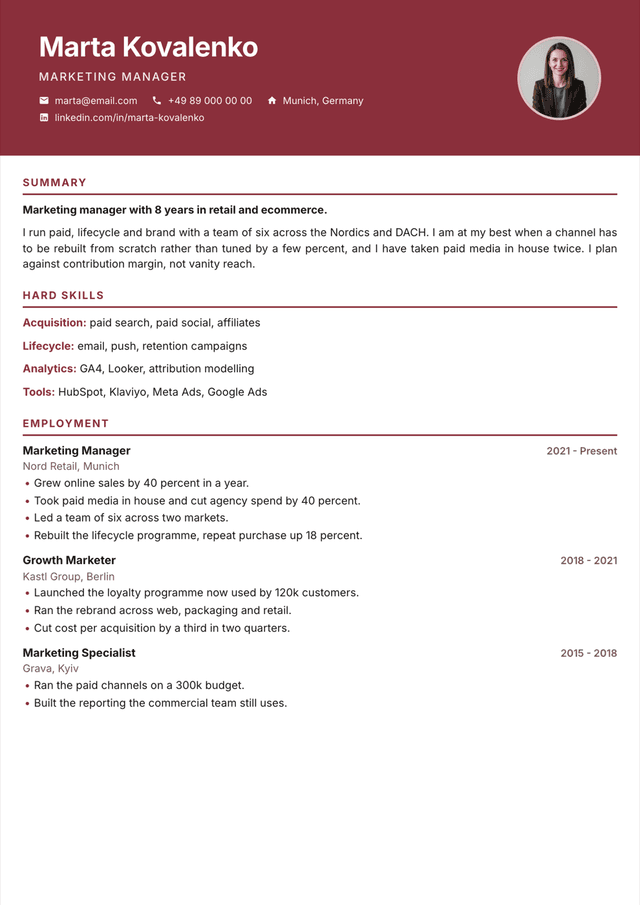 Bold
Bold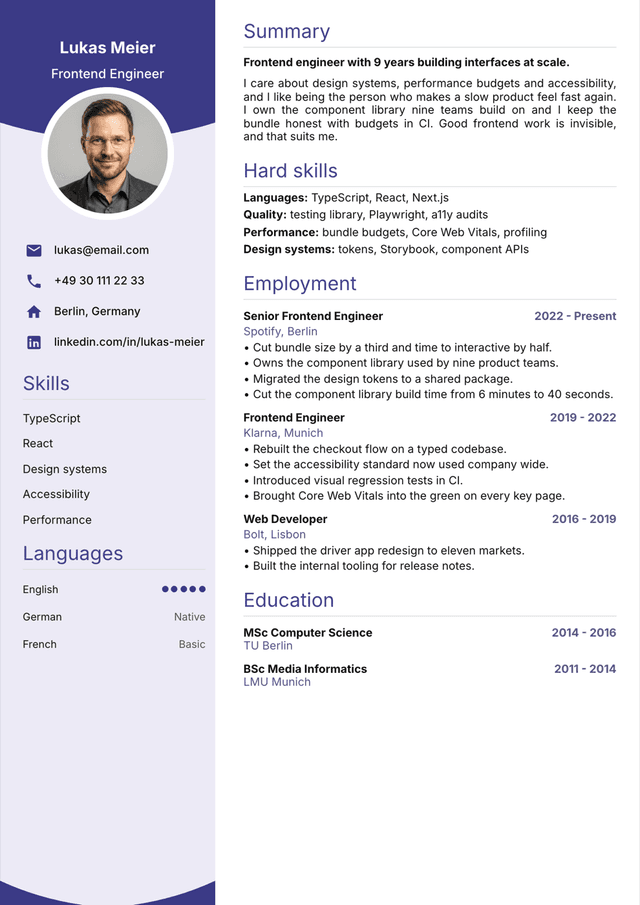 Arc
Arc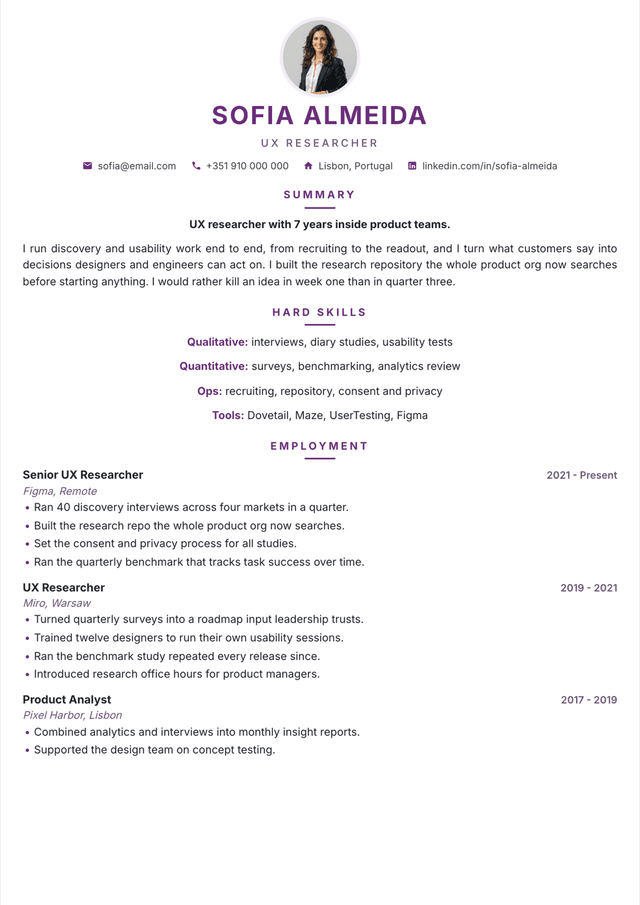 Elegant
What you get with CrafterCV
Pixel-perfect A4 PDF
Every template is ATS friendly and renders to an A4 PDF that looks exactly like the preview.
Works in your AI chat
Connect CrafterCV to Claude, ChatGPT or Grok over MCP and edit your resume where you already write.
One profile, every application
Resumes, cover letters and the applications you sent live in one place, built from the same profile.
Pricing that grows with
your career
One paid plan with everything unlocked. Pay monthly or take three months at a lower rate.
To build one resume and see how it works.
Start freeFull access while you need it. Cancel any time.
Get ProThe length of a real job search, at a lower rate.
Get ProPrices in USD. Both paid plans renew automatically until you cancel, and your resumes stay in your account either way.
Questions people ask
Yes. You can build a resume, keep your knowledge base and export a PDF on the Free plan. Paid plans unlock unlimited resumes, all templates, cover letters and AI editing.
No. CrafterCV runs in the browser. To connect your AI you copy one block into ChatGPT or Claude and you are done.
ChatGPT and Claude on web and desktop, Cursor, Claude Code, and any other app that supports MCP connections.
Yes. Edits from the chat and from the editor go into the same resume, so nothing is duplicated.
Your resumes are tied to your account. AI access keys can be revoked at any moment and every action is logged.
Yes. The PDF is rendered from the same template as the preview, so spacing and fonts never drift.
Signing in to CrafterCV
CrafterCV is a resume builder: you keep one profile, generate resumes and cover letters from it, and export them as PDFs. You can create an account with an email and password, or sign in with Google.
If you choose Google, we request only your name, email address and profile picture. We use them to create your CrafterCV account, sign you back in, and show who is logged in. We never post on your behalf, and we do not read your Gmail, Drive or calendar. What we store and how to delete it is described in our Privacy Policy.
Craft it once, send it everywhere.
Start free, connect your AI in a minute, and spend your evenings on interviews instead of formatting.
Free plan available · No card required · Cancel any time